V

VOS

Virtually OnSite Remote Support

Remote visual support software

When seeing the problem faster saves time and money, be Virtually OnSite.

Virtually OnSite helps service teams, technicians, operations groups, and support organizations troubleshoot remotely, reduce wasted travel, and keep screenshots, recordings, and notes tied to every session.

Reduce truck rolls, mileage, and drive time
Capture screenshots, recordings, and notes in every session
Share saved session reviews on the Team plan when extra eyes are needed

Remote troubleshooting

The remote support platform for any team that needs visual answers fast.

Some businesses lose money the moment a problem stays abstract. They need to see the equipment, the installation, the defect, the environment, or the document right away so they can decide what happens next.

Virtually OnSite is built for technician-led workflows, live troubleshooting, dispatch preparation, support escalation, and post-call documentation. That makes it a strong fit for HVAC service, mechanical contractors, refrigeration support, electrical troubleshooting, facilities maintenance, industrial field service, and any operation where seeing the issue quickly leads to better decisions.

Session documentation built in

Every saved session can keep the recording, screenshots, notes, and history together so technicians do not lose context after the call ends.

Designed for live field support

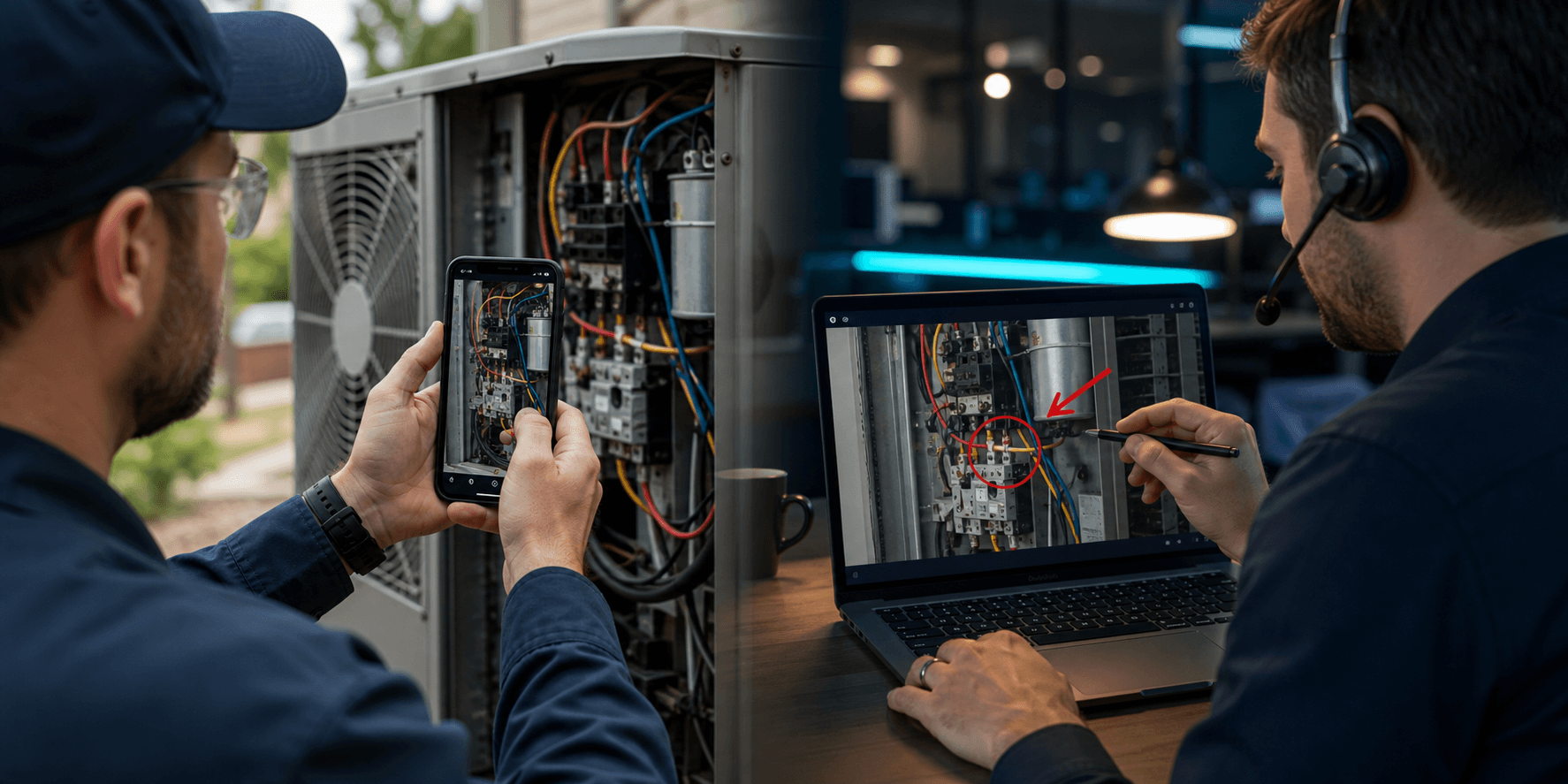
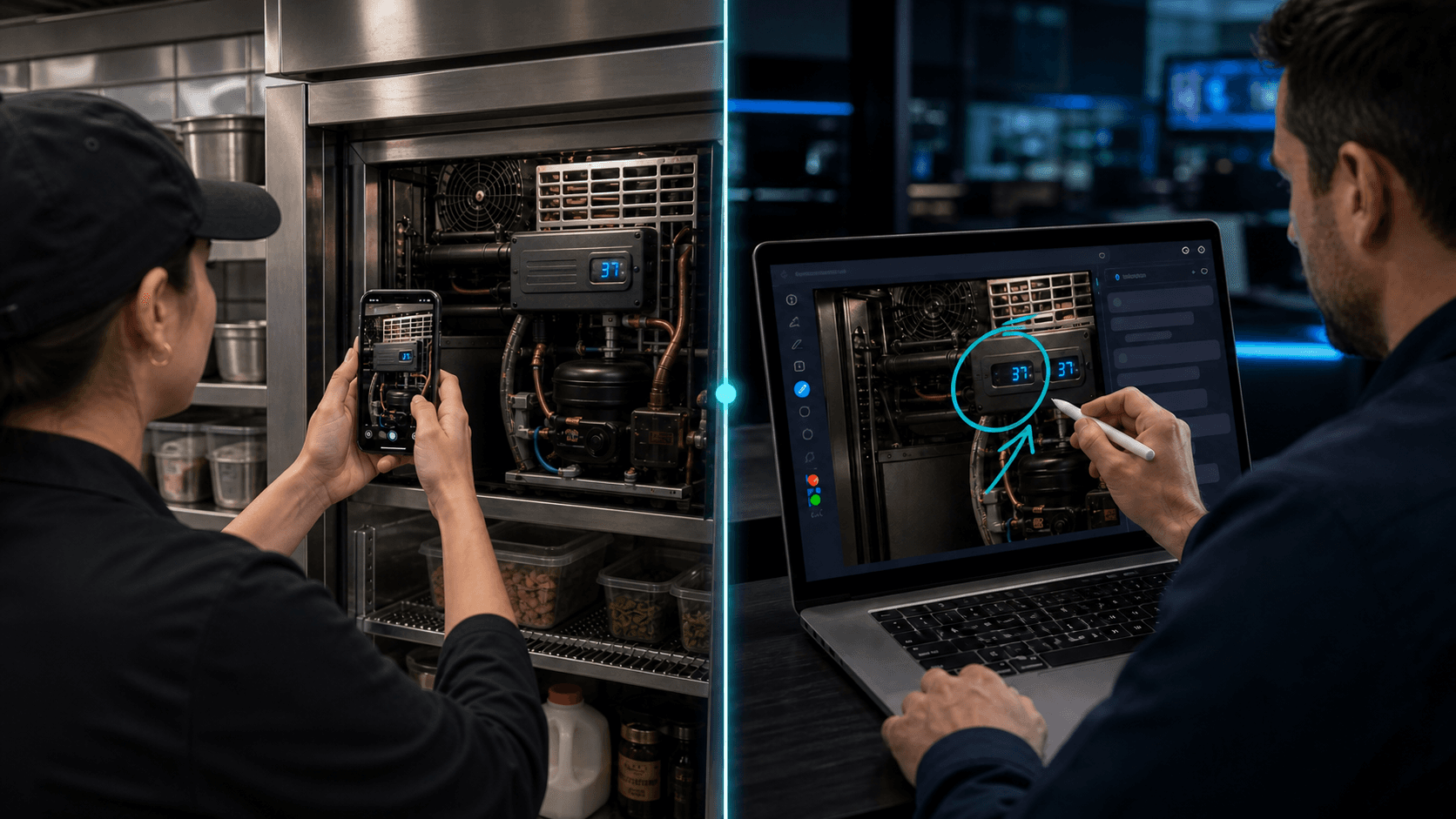
Use live video, screen drawing, flashlight control to guide the customer through what matters without making them install an app.

Plans that match how teams work

Standard keeps 30 days of saved session history. Team adds multi-user access, branded join flows, public review sharing, and 90-day retention.

Why teams depend on VOS

A business-efficiency tool, not just another video call.

VOS was built for companies that want fewer wasted dispatches, better-prepared teams, faster decisions, and cleaner support documentation. Save the screenshots, recordings, and notes that explain what happened so the next step is easier for everyone involved.

Consistent support workflows across teams, territories, and locations.

Designed by technicians who use remote support to improve business efficiency every day.

Screenshots, recordings, notes, and session history that stay attached to the work.

Avoided cost

The real cost is not the button press. It's the truck, the time, and the return trip.

Sending a technician onsite to reset equipment, identify a device, confirm an alarm state, or gather serial numbers is one of the most expensive ways to learn basic information. VOS helps your team solve what it can remotely, and prepares for a field visit if one is still needed.

The reset trip nobody should be billing for

A truck roll to reset a panel, identify a model number, or confirm a status light can cost far more than the issue itself once dispatch time, mileage, and labor are included.

The $$$$ return visit

A first trip without the right diagnosis often creates a second visit for parts, tools or approvals. VOS helps your team understand the problem before arriving on-site.

Drive time that creates zero value

When a senior technician spends an hour driving each way to inspect equipment, your business absorbs lost productivity before the real work even starts.

Use cases

Built for teams supporting real equipment in the field.

Whether the goal is faster triage, fewer repeat visits, or stronger customer communication, VOS gives service organizations a better way to support equipment before, during, and after the dispatch decision, and the same approach works anywhere visual clarity moves work forward faster.

HVAC / Mechanical

Verify unit status, identify controls, confirm wiring conditions, and prepare the right parts before dispatch.

Electrical / Facilities

Walk a customer through breaker resets, panel identification, equipment labeling, and site-readiness checks.

Food Service / Refrigeration

Troubleshoot coolers, freezers, and kitchen equipment quickly.

Industrial / Field Service

Support operators remotely, gather documentation, and help onsite staff isolate issues.

Why technicians choose VOS

Built for technician workflows, not generic video meetings.

The best remote support software for the service industry needs to do more than stream video. It should help teams diagnose, document, and hand off work clearly. VOS keeps the session history, notes, screenshots, annotations, and recordings together so the next technician, manager, vendor, or stakeholder can understand what happened.

Faster technician triage

See the equipment, the control, the alarm, or the panel before scheduling a visit.

Better dispatch decisions

Confirm parts, tools, site readiness, and fault conditions before the truck leaves the yard.

Stronger service documentation

Keep screenshots, recordings, annotations, and notes attached to the session for follow-up and training.

Standard

$24/user/mo

$19/user/mo billed annually

For companies that want screenshots, recordings, notes, and session history without branding or public review sharing.

Best for

Solo techs and owner-led service shops

Full session documentation

1-user account

Screenshots, recordings, and session notes

30-day saved session history

No branding or public review links

Get started with Standard

Team

Most Popular
$35/user/mo

$29/user/mo billed annually

The core VOS plan for companies that need multiple users, team management, branded sessions, public review links, and longer retention.

Best for

Service teams and equipment support groups

Shared workflow, branding, and review sharing

3-user minimum

Standard plan features, plus:

Unlimited users

Multi-user access and team management

Branding, public review links, and 90-day retention

Get started with Team

Frequently asked

Questions service companies ask before switching to remote support software.

What is remote support software for field service teams?

Remote support software helps technicians, dispatchers, and service managers guide customers through equipment issues with live video, screenshots, notes, and recordings before sending a truck.

How does Virtually OnSite help reduce truck rolls?

Virtually OnSite helps teams confirm alarms, identify parts, inspect equipment conditions, and document the issue remotely so unnecessary dispatches and repeat visits are reduced.

Which industries is Virtually OnSite built for?

VOS is especially strong for HVAC, mechanical, electrical, refrigeration, facilities, industrial service, and technician-led support teams, but it also fits any business where seeing the issue quickly helps people make better decisions and avoid wasted time.

Is Virtually OnSite only for field service companies?

No. While it is a strong fit for field service and technician workflows, Virtually OnSite helps any team where visual context speeds up diagnosis, approvals, support, or documentation.

Can technicians save screenshots, recordings, and notes during support calls?

Yes. Technicians can save screenshots, record sessions, annotate images, and keep notes tied to the session so the documentation stays attached to the work.

Do customers need to install an app to join a Virtually OnSite session?

No. Customers can join from a link in the browser so technicians can start remote support quickly without adding friction to the call.