
Triage visible faults
Guide staff to show error codes, panels, lights, leaks, airflow, controls, and obvious equipment conditions.
Commercial kitchen support
VOS lets service teams visually triage ovens, fryers, dish machines, refrigeration, hood systems, controls, and error states from a customer's phone before dispatch.
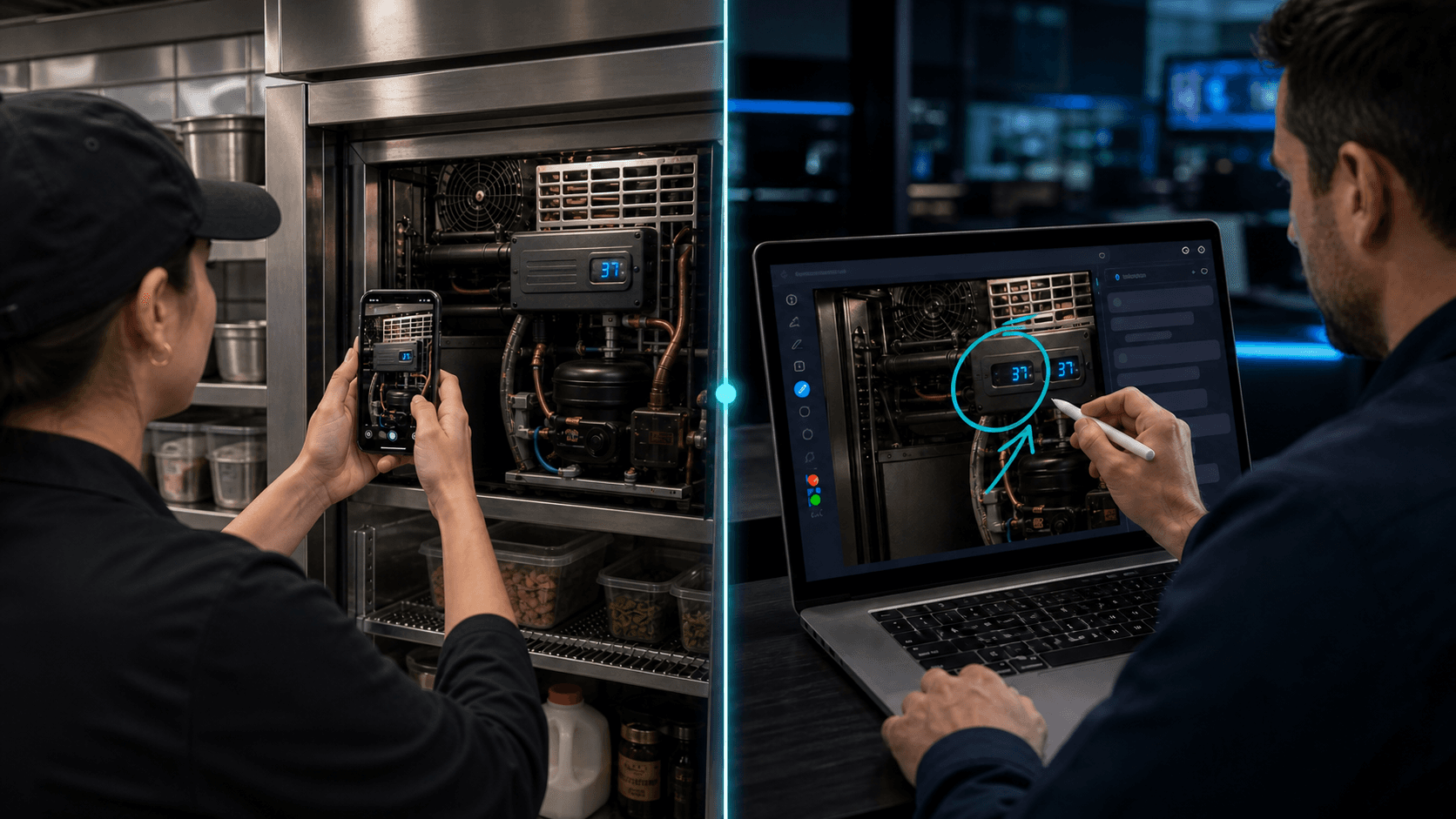
Live iPhone + Android camera
Customers open a link, show the issue, and your team captures the evidence before sending a truck.
Restaurant staff can join from a browser and show the equipment live.
Service teams can capture screenshots of model plates, error codes, visible damage, and site access.
Session records preserve the visual context for dispatch, parts, and follow-up.
Why teams use VOS
Kitchen downtime is expensive, but a phone description often lacks the visual details needed to choose the right next step.
A first visit without the right part or context can extend outage time.
Managers, vendors, and technicians need a clear record of what was shown and decided.
Guide staff to show error codes, panels, lights, leaks, airflow, controls, and obvious equipment conditions.
Save plates, serial numbers, labels, and photos of the surrounding installation before dispatch.
Send the right tech with better information, or solve simple visible checks remotely.
Your numbers, not ours
Enter your fully loaded cost for a service visit and how many visits VOS could help you avoid each month. We'll compare the result with the plan that fits your team.
VOS can keep tracking the result after signup: tag an avoided dispatch and your Reports page calculates estimated savings using your organization's actual dispatch cost.
Est. monthly savings
$250
After VOS
$151
Subscription coverage
2.5×
Example estimate only. Include labor, drive time, fuel, vehicle wear, and lost schedule capacity in your visit cost.
At these numbers, one month of savings exceeds the Team plan.
View plansCommon questions
Yes. VOS lets customers join from a browser link on iPhone or Android, share their live camera, and show your team the issue without downloading an app or creating an account.
Teams use VOS to confirm visible conditions, gather model details, check access constraints, and document what happened before dispatch. That gives dispatchers and technicians better information before deciding whether a field visit, vendor escalation, or remote fix is the right next step.
VOS keeps screenshots, notes, recordings, and review links tied to the session so technicians, managers, vendors, and follow-up teams can understand what was shown after the live call ends.
See it in a real workflow
Start a free trial, run VOS on one real customer issue, and keep the screenshots, notes, and recording that come out of it.