
Verify visible issues
Have the customer show the leak, valve, fixture, access point, drain, pump, or water heater while your team guides the view.
Plumbing remote support
VOS lets plumbing teams see through a customer's iPhone or Android camera, confirm the visible issue, capture screenshots, and decide whether the next step is remote guidance, parts prep, or dispatch.
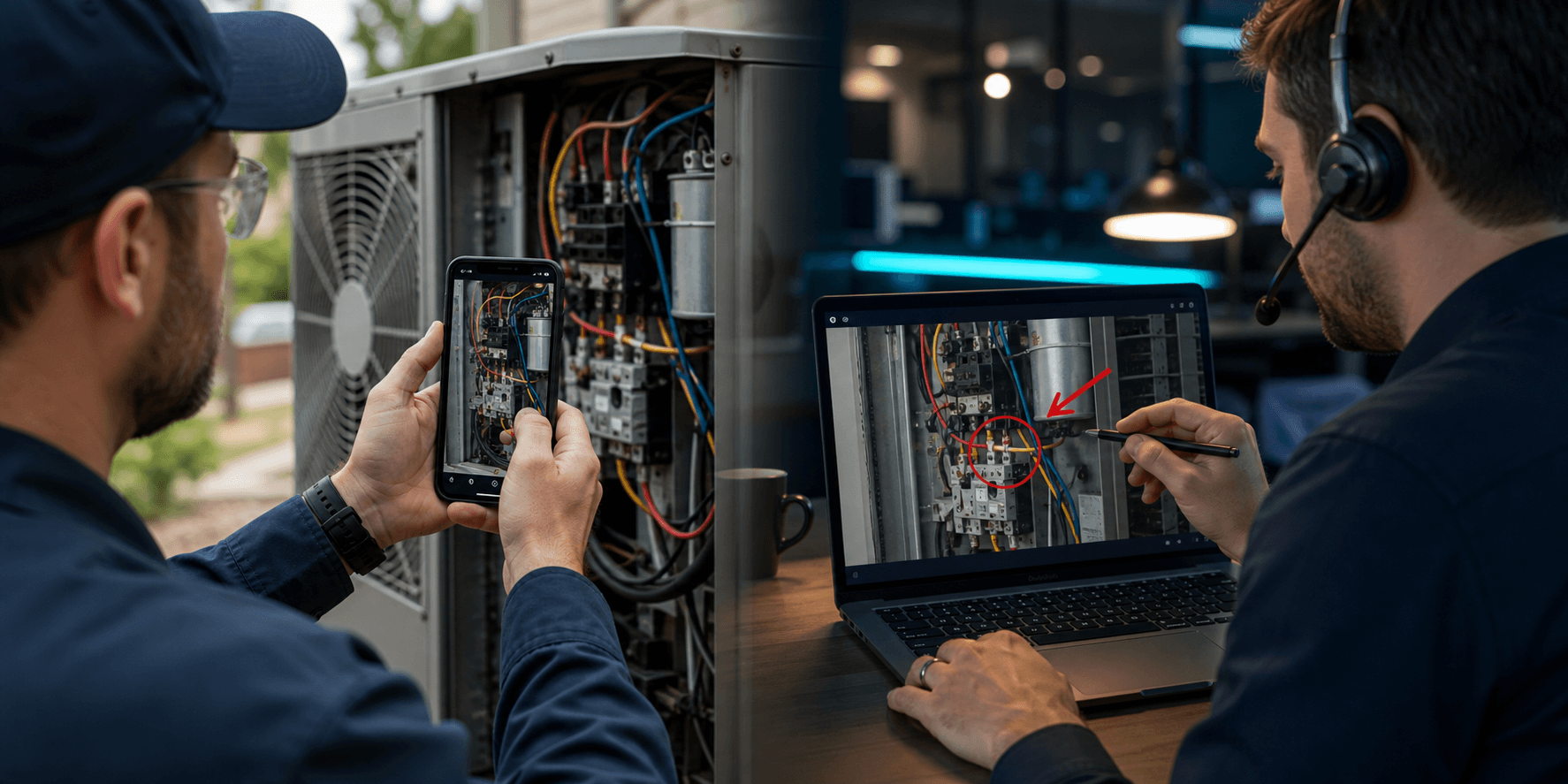
Live iPhone + Android camera
Customers open a link, show the issue, and your team captures the evidence before sending a truck.
Customers can show leaks, shutoff valves, fixtures, access panels, and equipment rooms from their phone browser.
Dispatchers can understand visible conditions before assigning the right plumber, tool, or part.
Screenshots, notes, recordings, and review links stay attached to the session.
Why teams use VOS
A vague description of a leak, valve, drain, or fixture often misses the visual details that decide urgency and parts.
A truck roll for basic confirmation can burn schedule capacity before anyone knows what is actually on-site.
Without saved screenshots and notes, the plumber, dispatcher, manager, or vendor can lose context after the call.
Have the customer show the leak, valve, fixture, access point, drain, pump, or water heater while your team guides the view.
Confirm site access, visible damage, fixture type, and likely parts before sending the technician.
Save screenshots and notes so the next person can see exactly what was shown and what was decided.
Your numbers, not ours
Enter your fully loaded cost for a service visit and how many visits VOS could help you avoid each month. We'll compare the result with the plan that fits your team.
VOS can keep tracking the result after signup: tag an avoided dispatch and your Reports page calculates estimated savings using your organization's actual dispatch cost.
Est. monthly savings
$250
After VOS
$151
Subscription coverage
2.5×
Example estimate only. Include labor, drive time, fuel, vehicle wear, and lost schedule capacity in your visit cost.
At these numbers, one month of savings exceeds the Team plan.
View plansCommon questions
Yes. VOS lets customers join from a browser link on iPhone or Android, share their live camera, and show your team the issue without downloading an app or creating an account.
Teams use VOS to confirm visible conditions, gather model details, check access constraints, and document what happened before dispatch. That gives dispatchers and technicians better information before deciding whether a field visit, vendor escalation, or remote fix is the right next step.
VOS keeps screenshots, notes, recordings, and review links tied to the session so technicians, managers, vendors, and follow-up teams can understand what was shown after the live call ends.
See it in a real workflow
Start a free trial, run VOS on one real customer issue, and keep the screenshots, notes, and recording that come out of it.